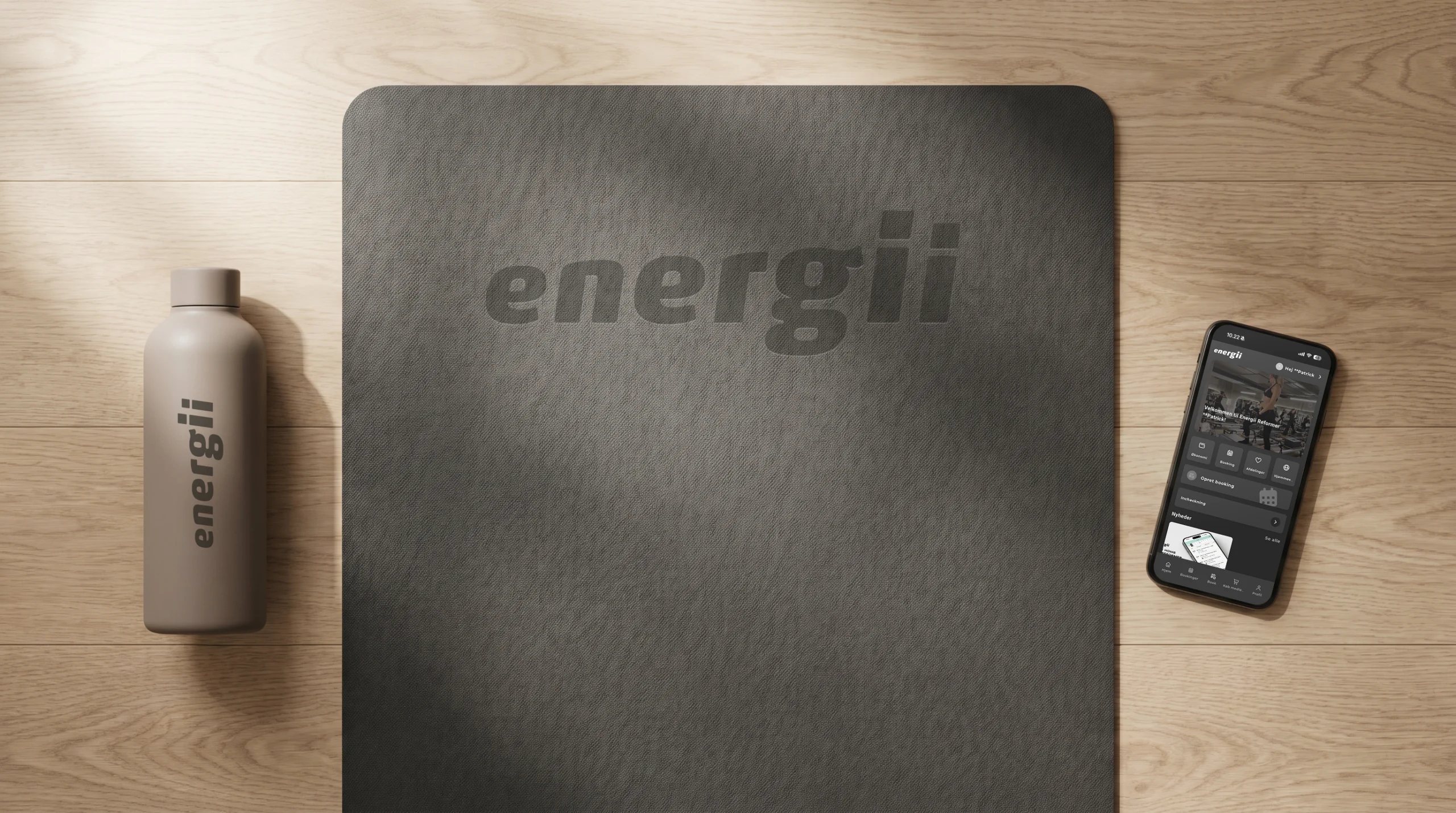
Get started in 3 easy steps
01
Download the app
Download the app for free from the App Store or Google Play.
02
Sign in or sign up
Use the same information as on the website.
03
Book your workout
Select a center → select a time → click “Book”.
04
Now you're ready
Show up. Work out. Get stronger.
That's why members use the app
01
Book in seconds
Find and book classes easily, whenever it suits you.
02
Manage your membership
Manage memberships and cut coupons all on your own.
03
Real-time schedule
View available spots and the waiting list in real time.
04
Updates from the center
Get notified of changes and updates right away.
Frequently Asked Questions
Get started
Yes. The app is free to download and use. You only pay for your membership or your credits—the app itself is free.
Download it from the App Store (iPhone) or Google Play (Android). Search for “Energii” or use the buttons on this page. It takes less than a minute to install.
No. You can create an account and view classes without a membership. If you want to book a class, you must either have an active membership, use a class pass—or book your free trial class directly in the app.
Yes. Sign up in the app, select a center and class, and book your free trial class. You must sign up yourself—you cannot book a trial class on behalf of someone else.
You can book classes at all Energii centers directly in the app. Select your center in the app to see the next available classes.
How to use the app
Open the app, select your center, find a class that suits you, and tap "Book." You'll receive a confirmation right away, and the class will be added to your calendar in the app.
If a class is full, you can join the waitlist with a single tap in the app. If a spot opens up, you’ll automatically move up the list and receive a notification.
Go to the class in the app and tap "Cancel." If you cancel before the cancellation deadline, you'll get your credit back.
Your credits are stored in your profile in the app. When you book a class, one credit is automatically deducted, and if you cancel before the deadline, you’ll get it back. You can always view your balance under [My Profile].
Technology & Troubleshooting
Make sure you’re using the same email address you used when you signed up. Use the “Forgot Password” option to reset it. If that doesn’t work, update the app to the latest version or email info@energii.dk.
Yes. The app is available for iPhone and Android, and also works on iPads and tablets. Download it from the App Store or Google Play.
Make sure notifications are turned on for Energii in your phone's settings and that they're enabled in the app under [Settings → Notifications]. That way, you'll receive notifications about waiting list spots, changes, and reminders.